CloudBeats is a versatile cloud music player app that lets you stream, organize, and enjoy your music from cloud services like Dropbox and Google Drive. Play your MP3, M4A, WAV, and FLAC files online or offline, build playlists, and sync libraries with ease. With support for audiobooks and advanced playback controls, CloudBeats provides a seamless listening experience anytime, anywhere.
CloudBeats: Your Ultimate Cloud Music Player
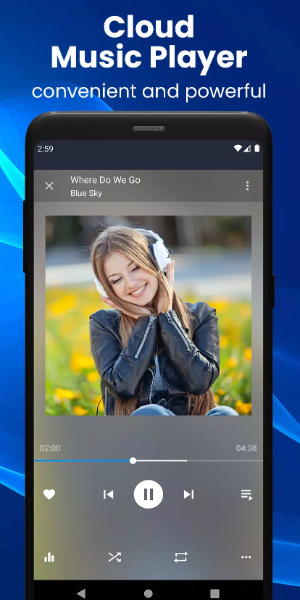
CloudBeats is a powerful cloud music player designed to enhance how you listen to music. Stream, organize, and play tracks from all your cloud services. Whether online or offline, it’s a flexible solution for your entire music collection. Enjoy a personal streaming service with CloudBeats and take full control of your music wherever you go.
Cloud Music Streaming
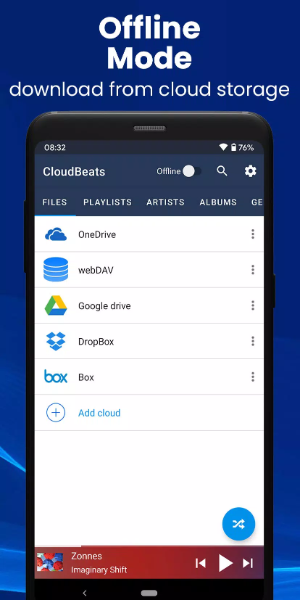
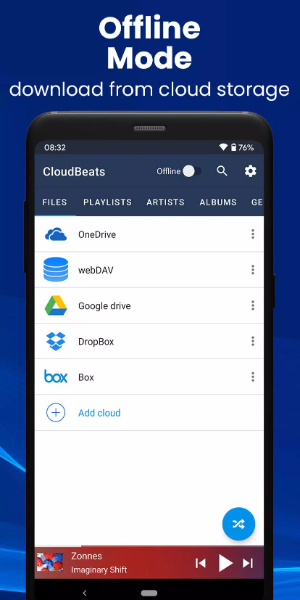
CloudBeats connects with popular cloud services including Dropbox, Google Drive, OneDrive, Box, pCloud, and HiDrive. It also supports personal clouds like ownCloud and NextCloud, plus NAS devices from Synology, QNAP, and Western Digital via WebDAV. This makes it one of the most versatile cloud music organizers available.
Audio Format Support
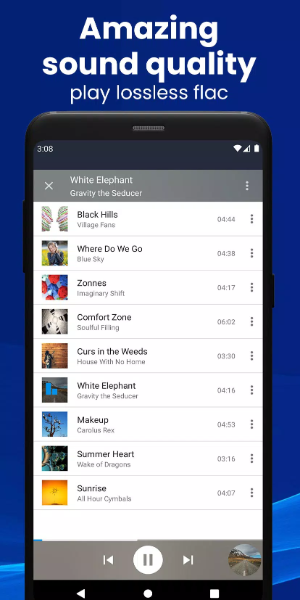
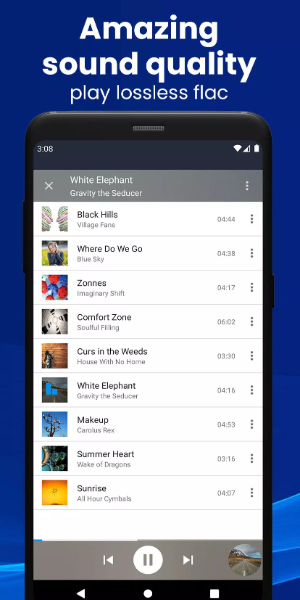
Play a wide variety of audio files such as MP3, M4A, WAV, and lossless FLAC (a Premium feature). This ensures compatibility with nearly every song in your collection.
Online and Offline Modes
Enjoy music with or without an internet connection. Use the dedicated toggle to switch between online and offline modes, and take advantage of shuffle play for a varied listening session.
Sync Music Libraries
CloudBeats automatically detects music on your phone and syncs your libraries, organizing songs by artist, album, and genre.
Create Playlists
Organize your music by creating custom playlists. Add individual files or entire folders, rearrange tracks, and listen offline without Wi‑Fi.
Download & Sync Music
Upload, download, and sync your music across multiple devices. CloudBeats also supports audiobook formats for offline listening.
Grasp Entertainment in CloudBeats
-Extensive Cloud Support: Works with most cloud services, personal clouds, and servers.
-Offline Playback: Download albums, playlists, folders, or files for offline listening (Premium feature).
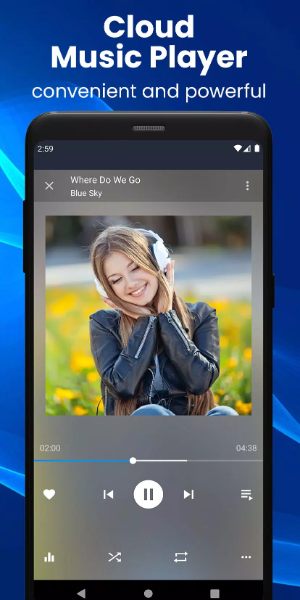
-Advanced Playback Options: Choose repeat all, repeat one, or shuffle mode. Use the equalizer to adjust bass and treble, and control playback speed from 0.5x to 3.0x (Premium feature).
-Sleep Timer: Set a timer to automatically stop playback after a set duration.
-Favorite Playlist: Add songs to a favorites playlist for quick access.
-Casting: Cast music to Chromecast, compatible speakers, or TV without losing sound quality.
-Android Auto: Fully integrated with Android Auto for seamless in-car listening.
-Ad-Free Experience: Enjoy uninterrupted music with no ads.
Premium Features
-Upgrade with a one-time purchase to unlock:
-Unlimited Cloud Connections: Connect multiple accounts for unlimited streaming.
-FLAC Format Support: Play high‑quality, lossless FLAC audio.
-Advanced Playback Speed Control: Adjust playback speed from 0.5x to 3.0x.
-Enhanced Casting Options: Cast to compatible devices for superior sound.
-Offline Downloads: Download songs, albums, playlists, and folders for offline listening.
Conclusion:
CloudBeats is the ultimate app for music lovers who want to take their collection everywhere. With extensive cloud integrations, offline capabilities, and a rich feature set, it’s the only app you need to organize, stream, and enjoy your music. Download CloudBeats today and elevate your listening experience.