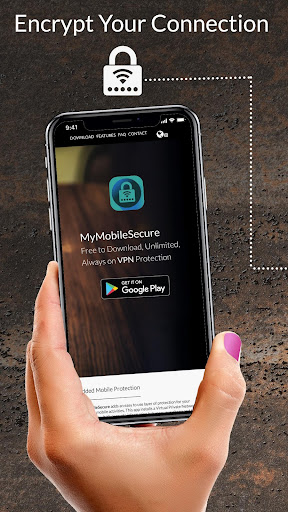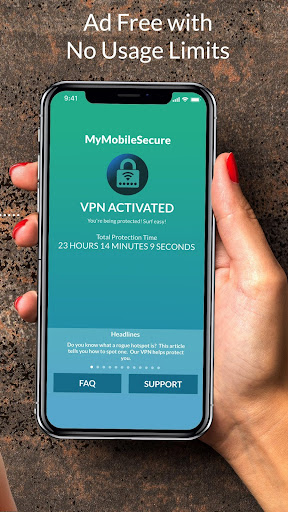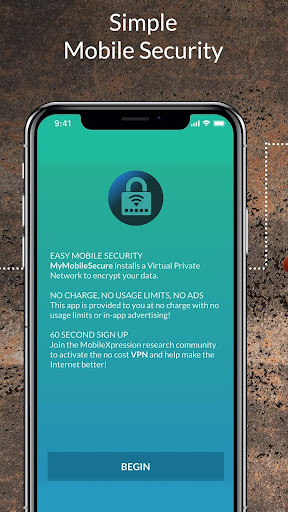
Meet My Mobile Secure VPN, the go-to app for shielding your phone from snoops and cyber threats. Whether you’re at a café, hotel, or park, using open Wi‑Fi without a VPN exposes your device to security risks. This app lets you browse with confidence. It employs advanced VPN technology to encrypt your traffic, keeping it unreadable to hackers. But there’s more—it also opens up entertainment by letting you stream content from your home country while overseas. With its simple interface, just tap to turn it on and you’re set. Enjoy unlimited usage, no ads, and full bandwidth—all completely free.
What My Mobile Secure VPN Offers:
* VPN Technology for Privacy Protection: My Mobile Secure VPN uses cutting‑edge VPN tech to encrypt and shield your network activity, stopping unwanted observers from seeing what you do on your phone. This is especially valuable on public Wi‑Fi, where it blocks hackers from breaching your security and stealing private data.
* No Data Caps or In‑App Ads: Unlike many VPNs that impose data limits or show disruptive ads, this app gives you unlimited bandwidth with no restrictions and zero in‑app advertisements. That means smooth, uninterrupted browsing without any holds barred.
* Helps Stop Hacking: By encrypting your network traffic, My Mobile Secure VPN creates a secure tunnel that scrambles your data, making it useless to hackers. This slashes the risk of attacks and keeps your personal details—like passwords and banking info—safe.
* Unblock Entertainment & Access Home Content: When you’re abroad, the app routes your connection through your home country, so you can watch your favorite shows and access content that might be restricted locally. Binge‑watch without borders.
User Tips:
* Keep the VPN On All the Time: For continuous privacy and security, we recommend leaving the app enabled. That way, you won’t need to remember to turn it on every time you join a public Wi‑Fi network.
* Pick the Closest Server: To get the best speed and performance, connect to the nearest available server. This helps keep your browsing smooth with minimal delay.
* Enable Accessibility Services: During setup, the app may ask to enable Accessibility Services. This allows it to gather URLs from your browser and identify which apps are in use on your device. Turning this on contributes to accurate reports about internet and app usage patterns among mobile users.
Wrap‑Up:
My Mobile Secure VPN is a trustworthy, robust VPN app that puts your privacy and security first. Thanks to its strong encryption, you can browse the web and use public Wi‑Fi hotspots confidently, without fear of hackers stealing sensitive data. With unlimited bandwidth, no in‑app ads, and the ability to unblock entertainment, it delivers a hassle‑free, unrestricted browsing experience. By following the tips above and keeping the VPN always on, you get the most out of the app while keeping your online activity protected.