
Attention all gamers! The developers have announced a delay in the launch, so keep an eye on BlueStacks for the latest updates and comprehensive guides!
Delta Force isn't just another tactical shooter; it's a game that thrives on precision, strategic planning, and seamless teamwork. Whether you're engaging in large-scale multiplayer battles or executing covert extraction missions, victory hinges on your ability to plan meticulously and adapt on the fly. With its emphasis on operators, customizable equipment, and challenging environments, Delta Force ensures that every choice you make has a significant impact.
This guide is brimming with practical tips to enhance your gameplay and outmaneuver your adversaries. From mastering different operators to optimizing your gear for specific game modes and leveraging BlueStacks for superior performance, these strategies will give you a competitive edge in every encounter.
Play on PC with BlueStacks for Maximum Control
Opting to play Delta Force on a PC via BlueStacks unlocks a suite of advantages. The platform's customizable control schemes let you assign every action to your keyboard and mouse, offering a level of precision and responsiveness that mobile devices simply can't replicate. Unlike the Steam version, which comes with predefined controls, BlueStacks empowers you to tailor the gameplay to your personal style.
In addition to superior controls, BlueStacks elevates your gaming experience with enhanced graphics and a lag-free environment. The larger screen facilitates spotting enemies more easily, and features like macro recording can simplify complex maneuvers. For those committed to mastering Delta Force, BlueStacks represents the pinnacle of gaming platforms.
Be sure to explore our comprehensive PC setup guide for Delta Force to get started on the right foot.
Start Simple and Build Your Skills
As a newcomer to Delta Force, the allure of diving into the game with advanced operators and eye-catching gear can be strong. However, it's wise to begin with the basics. Opt for operators like Stinger, renowned for healing capabilities, or Luna, whose reconnaissance tools are straightforward and invaluable for team coordination. Starting with these operators helps you concentrate on honing your fundamental skills without feeling overwhelmed.
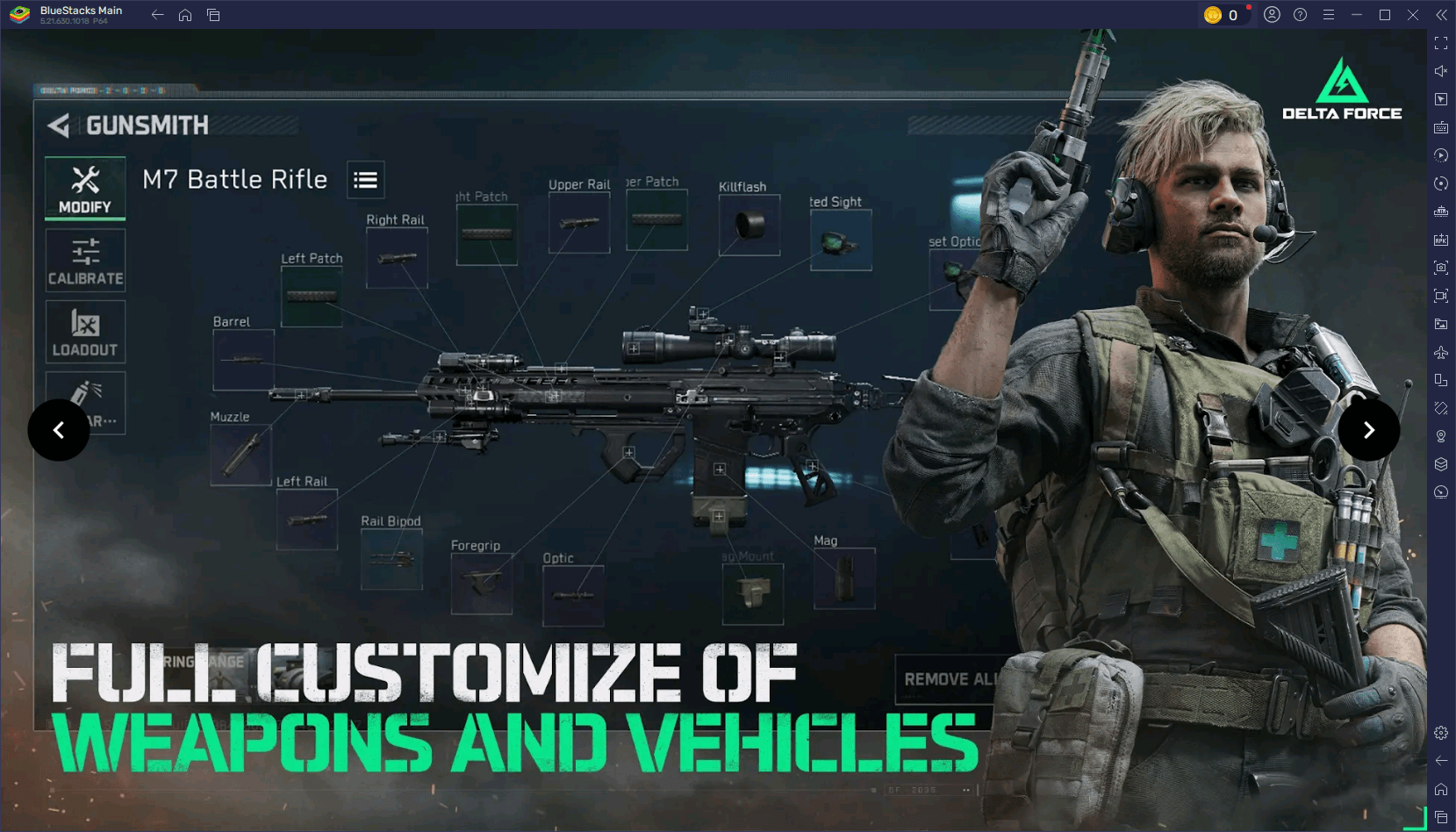
When playing with friends, delineate clear roles for each team member. Designate someone to focus on healing, another on scouting, and a third on offense. Such coordination not only boosts your chances of success but also enhances the overall enjoyment of the game for everyone involved.
Fine-Tune Your Settings for Better Performance
Optimizing your settings can markedly improve your gameplay. On mobile, tweak your graphics settings according to your device's capabilities; reducing shadows and disabling motion blur can increase your FPS. When using BlueStacks on a PC, you can go a step further by enabling high-resolution textures and fine-tuning advanced graphics settings for optimal visual quality without compromising performance.
For the best responsiveness, ensure your controls are customized to your preferences. Adjust sensitivity settings for more precise aiming and test your configuration in practice matches to confirm everything feels right. This preparation will ensure you're fully equipped to perform at your peak in every match.
Experiment and Stay Flexible
Delta Force rewards players who can adapt. If your current strategy isn't yielding results, be ready to pivot. Experiment with a new operator, try out different loadouts, or explore new paths on the map. Observing and learning from your opponents' tactics can also refine your own approach.
Embracing experimentation keeps the game engaging and helps you uncover new ways to play. Whether it's mastering a vehicle, experimenting with a sniper setup, or developing fresh team strategies, the more you explore, the more versatile and effective you'll become.
Delta Force challenges players to think tactically and adapt swiftly, making each match a thrilling test of skill and strategy. Armed with these tips, you're now better prepared to tackle any game mode, map, or adversary. For the ultimate gaming experience, play Delta Force on a PC with BlueStacks to unlock enhanced control and performance. Gear up, strategize with your team, and dominate the battlefield. With BlueStacks, play smarter and achieve greater victories!





![Chubby Story [v1.4.2] (Localizations)](https://images.737c.com/uploads/85/1719638042667f981a5e9f8.jpg)