Quick Links
Monopoly GO's Juggle Jam is a fun, addictive mini-game hosted by Peg-E, Mr. Monopoly's robotic friend. While it features other games like Prize Drop and Sticker Drop, Juggle Jam stands out with its rewarding gameplay. Mastering its sequence challenges unlocks Carnival Tickets, redeemable for fantastic prizes, making it a highly rewarding minigame. The best part? The Carnival Store's featured prizes are constantly changing. Read on to learn how to maximize your rewards.
How to Discard Current Front Items in Juggle Jam
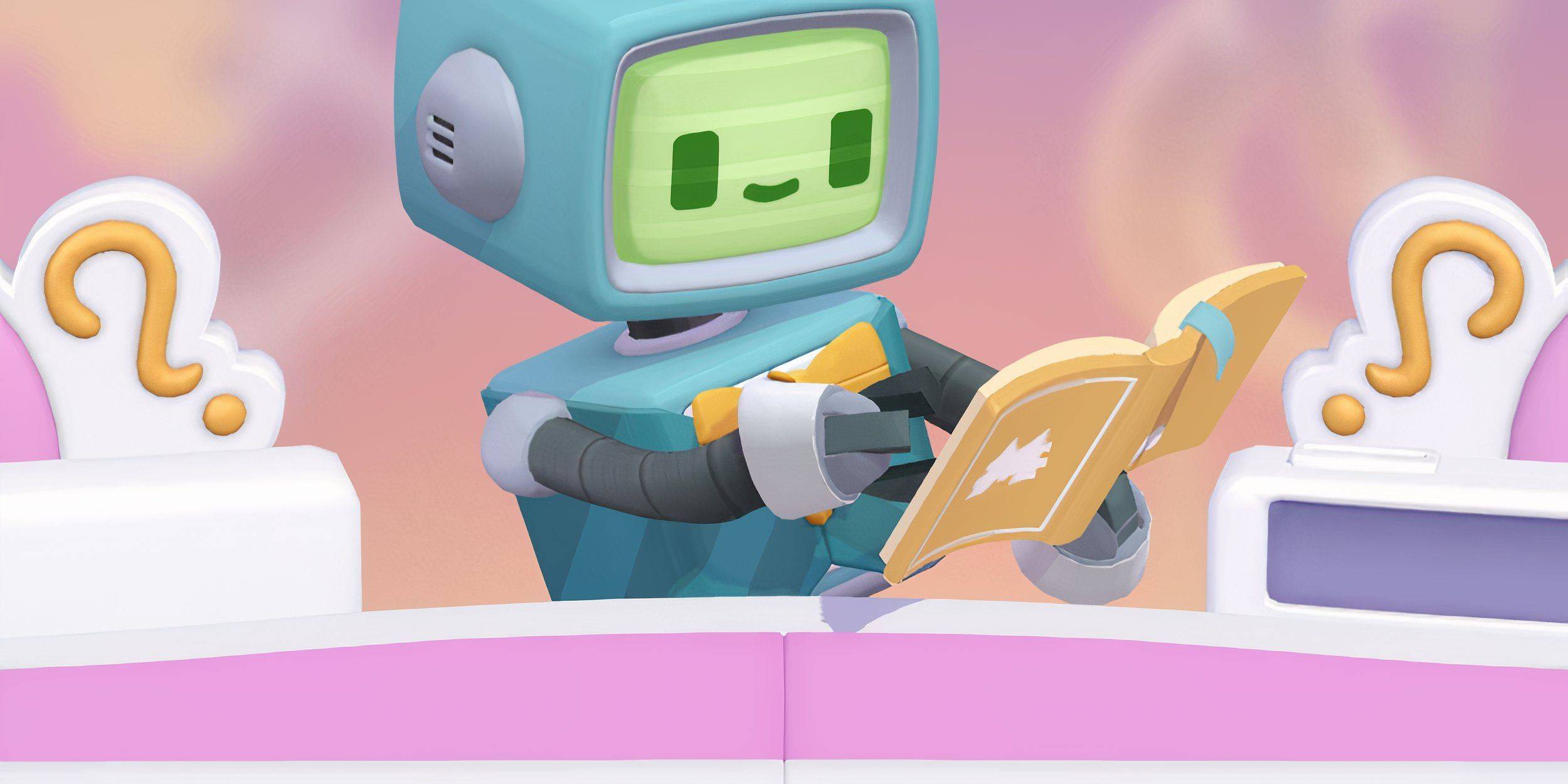 Successfully guessing Peg-E's colored ball sequences earns you Carnival Tickets. These tickets unlock rewards in the randomized Prize Store, including sticker packs, dice rolls, cash, and flash boosters.
If the current rewards aren't appealing, you can refresh the store. To do this, simply tap the double arrow icon in the top right corner of the screen (located just below your Carnival Ticket total). The "Shop Refresh" button will replace the current prizes with a new selection, typically costing a certain number of Carnival Tickets.
Remember, the Prize Store offers randomized items. Refreshing gives you a chance to find more desirable prizes, such as the valuable vaults.
What To Buy First in Monopoly GO’s Juggle Jam?
While there's no universally "best" purchase, prioritizing dice rolls and vaults is generally recommended. Vaults consistently contain a mix of valuable items: dice rolls, sticker packs, flash boosters, and cash, making them a smart investment. Aim to buy a vault whenever possible.
However, your optimal strategy depends on your personal goals and the available rewards. If completing a specific sticker collection or obtaining a particular Flash Booster is crucial, prioritize those items over dice rolls and vaults.



![Chubby Story [v1.4.2] (Localizations)](https://images.737c.com/uploads/85/1719638042667f981a5e9f8.jpg)