
Quick Links
Grace is an exhilarating Roblox experience that challenges players to navigate through various levels teeming with scary entities. To succeed, you'll need to be quick on your feet and sharp in your decision-making, all while finding ways to counteract these entities. To help you master the game, the developers have introduced a test server feature where you can utilize chat commands to ease gameplay, summon entities, or simply enjoy testing the game. Below, you'll find a comprehensive list of Grace commands and a detailed guide on how to use them.
All Grace Commands
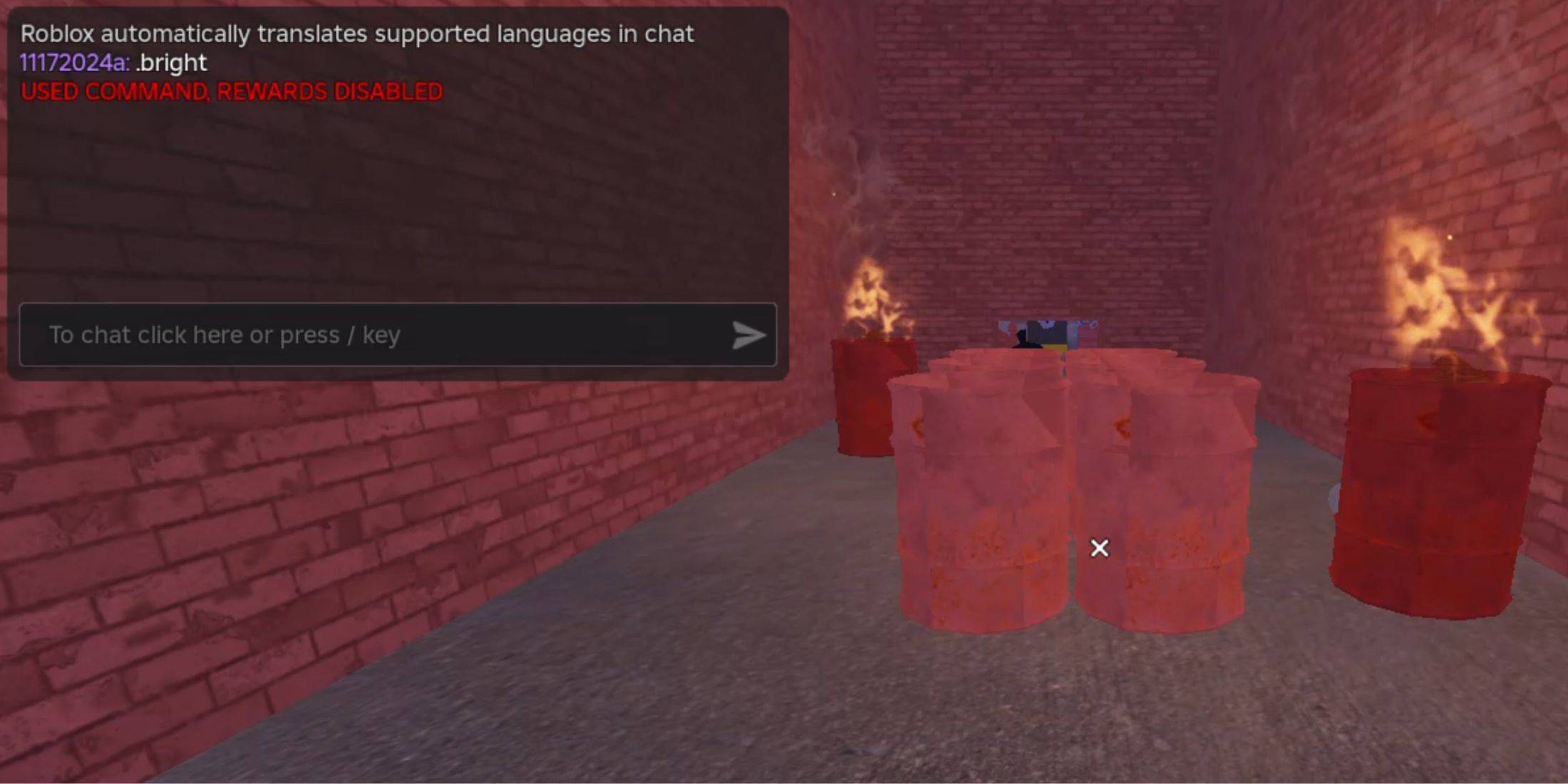
- .revive - Respawn into the game if you're defeated or stuck.
- .panicspeed - Adjust the timer speed to suit your needs.
- .dozer - Summon the Dozer entity for a thrilling encounter.
- .main - Load into the Main Branch server for a standard gameplay experience.
- .slugfish - Bring the Slugfish entity into the game.
- .heed - Spawn the Heed entity for a challenging gameplay twist.
- .test - Access the Test Branch server, where you can experiment with most commands and explore unreleased content.
- .carnation - Introduce the Carnation entity into your game session.
- .goatman - Summon the Goatman entity for an intense challenge.
- .panic - Initiate the timer to add urgency to your gameplay.
- .godmode - Enable godmode to survive all encounters and progress effortlessly.
- .sorrow - Spawn the Sorrow entity for a haunting experience.
- .settime - Set a specific time on the game's timer.
- .slight - Summon a Slight entity for a unique gameplay twist.
- .bright - Maximize the game's brightness for better visibility.
How to Use Grace Commands

Using commands in Grace is straightforward. By creating your own test server, you can enter commands directly in the chat. Whether you're an experienced player or a beginner, our step-by-step guide will help you get started.
- Step 1: Launch Grace in Roblox.
- Step 2: Navigate to the Custom Lobbies board and create your lobby, making sure to enable the Commands option.
- Step 3: Start the lobby and type the .test command in the chat to enter the test lobby.
- Step 4: Now you're ready to activate any of the listed commands in the chat, enhancing your gameplay experience as you see fit.





![Chubby Story [v1.4.2] (Localizations)](https://images.737c.com/uploads/85/1719638042667f981a5e9f8.jpg)