
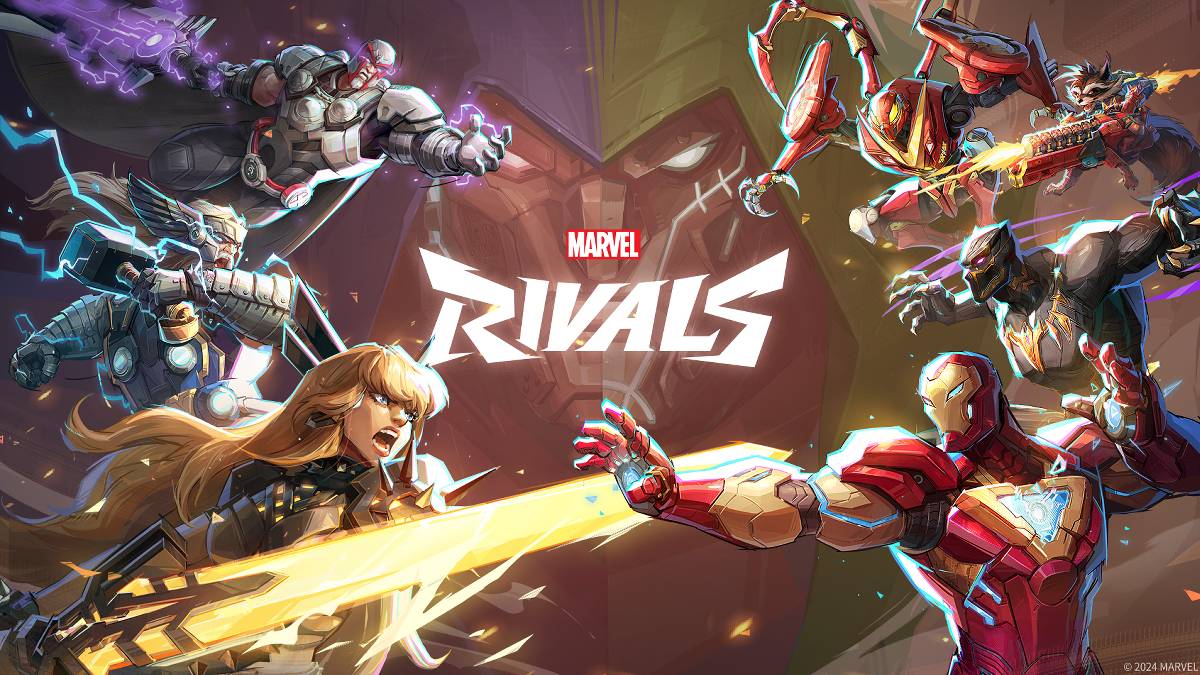
トラブルシューティング マーベルライバル エラーコード:包括的なガイド
モダンなゲームには必然的にバグとエラーコードが含まれ、 マーベルライバル も例外ではありません。このガイドは、ゲームプレイを妨げる可能性のある一般的なエラーコードのソリューションを提供します。
一般的な マーベルライバル エラーとソリューション
ゲームのクラッシュから接続の問題に至るまで、多くのエラーが マーベルライバル に影響を与える可能性があります。幸いなことに、ほとんどはすぐに利用可能な修正があります。
| Error Code | Description | Troubleshooting Steps |
|---|---|---|
| Error 4 | Frequently appears on PlayStation, but can also affect PC. | 1. Verify internet connectivity. 2. Check *Marvel Rivals* server status. 3. Restart the game. |
| 99% Loading Bug | Players become stuck at 99% during match loading. | 1. Check internet connection. 2. Close unnecessary background applications. 3. Adjust Network Diagnostic Settings. |
| Error 211 | Common on Steam, indicating connection problems. | 1. Check server status. 2. Disable third-party server blockers. 3. Verify internet connectivity. 4. Verify game files integrity. |
| Error 10 | Appears on launch, usually due to poor internet connection. | 1. Check internet connection. 2. Restart *Marvel Rivals*. 3. Check server status. |
| Error 220 | May be caused by server location or firewall settings. | 1. Adjust security firewall settings. 2. Modify DNS settings. 3. Disable third-party server blockers. 4. Consider using a VPN. |
| Error 21 | Sometimes encountered by Xbox players on launch. | 1. Restart your console. 2. Reset your router. 3. Check server status. 4. Disable IPv6 on your internet connection. 5. Consider using a VPN. |
| Error 5 | Afflicts PlayStation players; indicates high ping and packet loss. | Address high latency and packet loss; check internet connection. |
| Error 26 | Prevents gameplay. | 1. Check internet connection. 2. Disable VPN (if used). 3. Clear cache files. 4. Verify game files integrity. |
| Packet Loss Error | High ping and packet loss due to high latency. | 1. Check internet connection. 2. Close unnecessary background applications. 3. Adjust Network Diagnostic Settings. |
| DX12 Not Supported | Game launch failure due to unsupported DX12; often related to Windows updates or GPU incompatibility. | 1. Update Windows to the latest version. 2. Update your GPU drivers. 3. Reinstall *Marvel Rivals*. |
| Error Code 258 | Login failure via PC launcher, especially on Epic Games Store. | Consult Epic Games Store support for specific troubleshooting. |
| Error LS-0014 | Epic Games Store-specific error. | 1. Check your antivirus software. 2. Verify game files integrity. 3. Reinstall the game. |
| Igniting the Timestream | Occurs during matchmaking. | 1. Check server status. 2. Restart the game. 3. Check internet connection. |
| Version Mismatch | Appears after game updates. | 1. Verify game files integrity. |
2 \。更新を確認してインストールします。
3.インターネット接続を確認します。
ビデオメモリからの出力
2。GPUドライバーを更新します。
3.不要な背景アプリケーションを閉じます。比較的まれです。
2。グラフィックス設定を下回る。
3. Windowsメモリ診断ツールを実行します。サーバーのステータスを確認します。
2。インターネット接続を確認してください。
- Marvel Rivals*は現在、PS5、PC、およびXboxシリーズX | sで利用できます。
-
21 2026-10
 ダニー・ボイル監督の映画ランキング
長年のキャリアを歩んできた映画監督の多くは、栄光と挫折の両方を経験するだろう。しかし、ダニー・ボイルほど極端なジェットコースターを味わった者は稀である。1990年代半ば、彼は二つの即座に古典となった作品で世に登場すると、直後に自惚れが過ぎる二つのプロジェクトで失敗した。その後、ゾンビホラージャンルに新たな息吹を与え、すぐにまた別の批評的な失敗作が続いた。このパターンをさらに繰り返せば、映画史で最も予測不能なフィルモグラフィを持つ一人となる。ボイルは、今週末、6年ぶりの新作映画『28 Years
-
21 2026-10
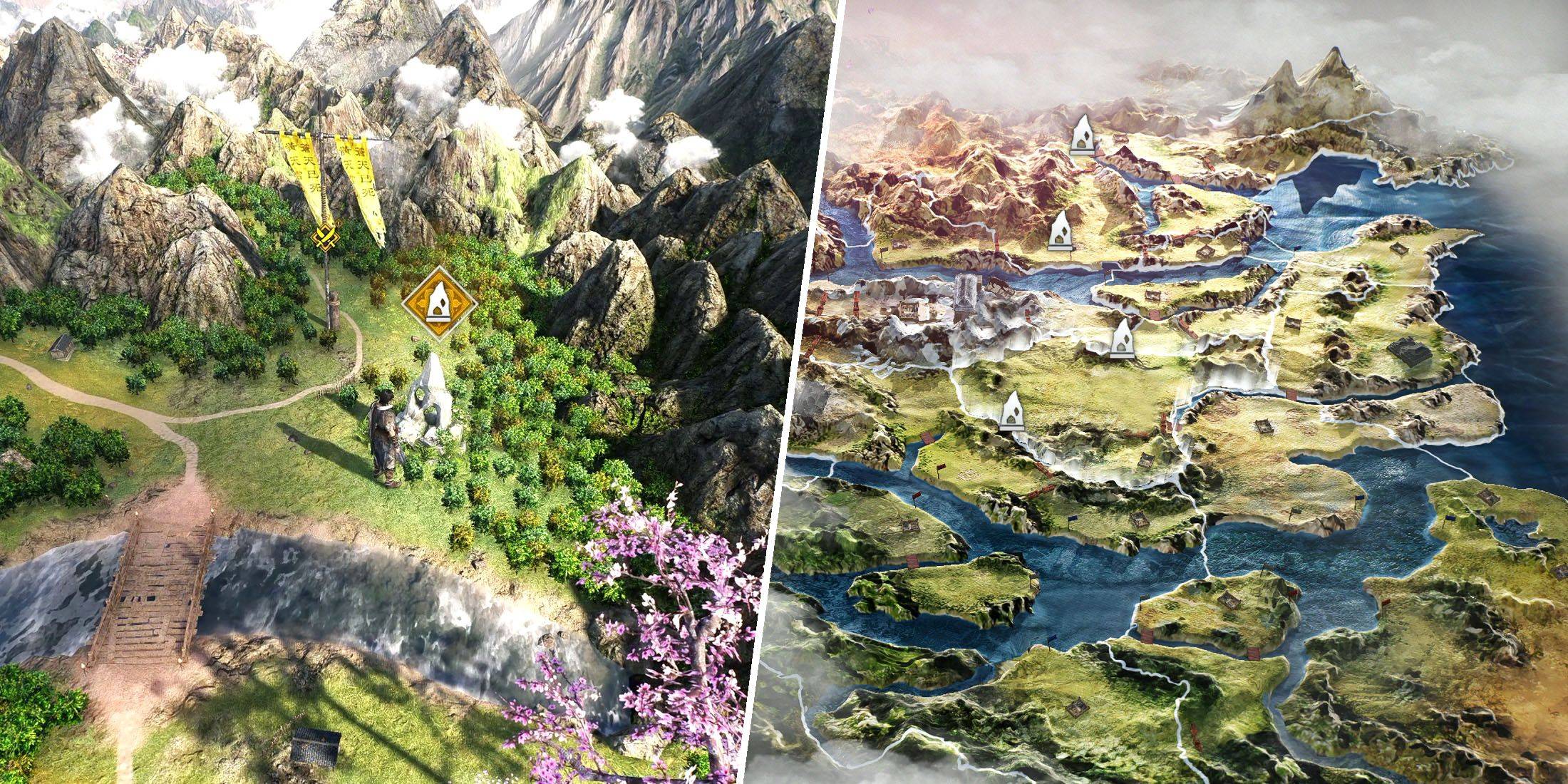 『真・三國無双』オリジンズ クイックトラベルガイド
『真・三國無双 Origins』はオープンワールド作品ではありませんが、広大な世界地図を備えています。当初はプレイ可能なエリアが限られており、移動は比較的簡単です。しかし物語が進み、複数の州が解放されるにつれて、マップ横断に要する時間が徐々に長くなります。この課題は、マップ上で新たな小規模戦闘やサイドクエストが次々と出現し、遠く離れた地域へ何度も戻らなければならないことが多いため、一層激化します。幸いにも、『真・三國無双 Origins』での高速移動をマスターすれば、大幅な時間節約が可能です—特
-
18 2026-10
 007『ファーストライト』初映像、State of Play 2025年6月で公開
ジェームズ・ボンドの次の章『007: First Light』は、2025年6月に開催されたPlayStation「State of Play」イベントで正式にデビューし、2026年の発売が予定されています。新たに公開されたストーリー、ゲームプレイの仕組み、主要な特徴について詳しく見ていきましょう。007: First Light - 2025年6月PS State of Playで公開2026年発売予定『007: First Light』は、2025年6月のPlayStation「State
-
 ダウンロードFortune Elephant
カードAndroid
-
ダウンロード

-
 ダウンロードTop Football Manager 2024
スポーツAndroid
-
 ダウンロードロストアイランド – 隠されたアイテム探しゲーム
アクションAndroid
-
ダウンロード
![Chubby Story [v1.4.2] (Localizations)](https://images.737c.com/uploads/85/1719638042667f981a5e9f8.jpg)
-
 ダウンロードValiant Journey VR Game
アクションAndroid