
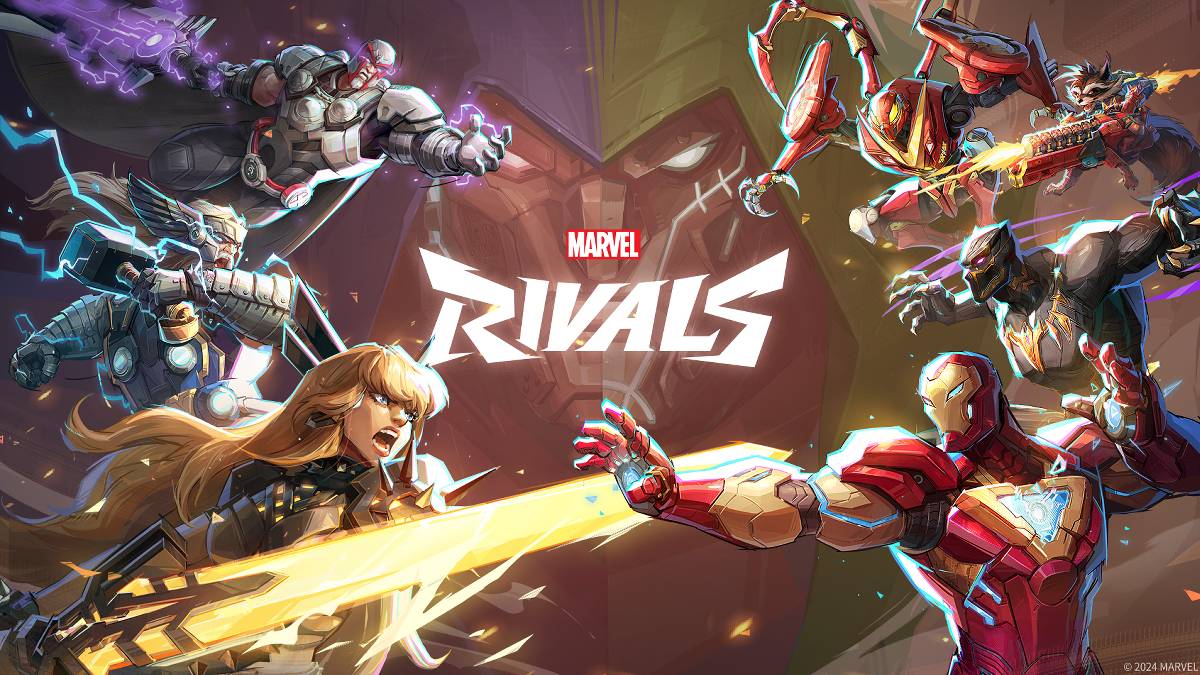
문제 해결 Marvel Rivals 오류 코드 : 포괄적 인 안내서
현대 게임에는 필연적으로 버그 및 오류 코드가 포함되며 Marvel Rivals 는 예외는 아닙니다. 이 안내서는 게임 플레이를 방해 할 수있는 일반적인 오류 코드에 대한 솔루션을 제공합니다.
일반적인 마블 라이벌 오류 및 솔루션
게임 충돌에서 연결 문제에 이르기까지 다양한 오류가 Marvel Rivals 에 영향을 줄 수 있습니다. 다행히도 대부분은 쉽게 사용할 수있는 수정 사항이 있습니다.
| Error Code | Description | Troubleshooting Steps |
|---|---|---|
| Error 4 | Frequently appears on PlayStation, but can also affect PC. | 1. Verify internet connectivity. 2. Check *Marvel Rivals* server status. 3. Restart the game. |
| 99% Loading Bug | Players become stuck at 99% during match loading. | 1. Check internet connection. 2. Close unnecessary background applications. 3. Adjust Network Diagnostic Settings. |
| Error 211 | Common on Steam, indicating connection problems. | 1. Check server status. 2. Disable third-party server blockers. 3. Verify internet connectivity. 4. Verify game files integrity. |
| Error 10 | Appears on launch, usually due to poor internet connection. | 1. Check internet connection. 2. Restart *Marvel Rivals*. 3. Check server status. |
| Error 220 | May be caused by server location or firewall settings. | 1. Adjust security firewall settings. 2. Modify DNS settings. 3. Disable third-party server blockers. 4. Consider using a VPN. |
| Error 21 | Sometimes encountered by Xbox players on launch. | 1. Restart your console. 2. Reset your router. 3. Check server status. 4. Disable IPv6 on your internet connection. 5. Consider using a VPN. |
| Error 5 | Afflicts PlayStation players; indicates high ping and packet loss. | Address high latency and packet loss; check internet connection. |
| Error 26 | Prevents gameplay. | 1. Check internet connection. 2. Disable VPN (if used). 3. Clear cache files. 4. Verify game files integrity. |
| Packet Loss Error | High ping and packet loss due to high latency. | 1. Check internet connection. 2. Close unnecessary background applications. 3. Adjust Network Diagnostic Settings. |
| DX12 Not Supported | Game launch failure due to unsupported DX12; often related to Windows updates or GPU incompatibility. | 1. Update Windows to the latest version. 2. Update your GPU drivers. 3. Reinstall *Marvel Rivals*. |
| Error Code 258 | Login failure via PC launcher, especially on Epic Games Store. | Consult Epic Games Store support for specific troubleshooting. |
| Error LS-0014 | Epic Games Store-specific error. | 1. Check your antivirus software. 2. Verify game files integrity. 3. Reinstall the game. |
| Igniting the Timestream | Occurs during matchmaking. | 1. Check server status. 2. Restart the game. 3. Check internet connection. |
| Version Mismatch | Appears after game updates. | 1. Verify game files integrity. |
2 . 업데이트를 확인하고 설치하십시오.
3. 인터넷 연결을 확인하십시오.
2. GPU 드라이버를 업데이트하십시오.
3. 불필요한 백그라운드 응용 프로그램을 닫습니다.
2. 낮은 그래픽 설정.
3. Wind 서버 상태를 확인하십시오.
2. 인터넷 연결을 확인하십시오.
- Marvel Rivals*는 현재 PS5, PC 및 Xbox Series X | S에서 사용할 수 있습니다.
-
28 2026-03
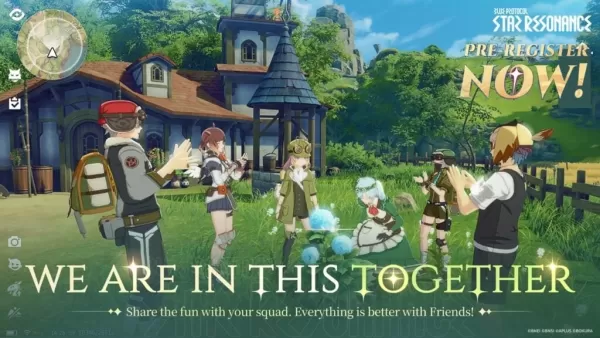 다중인角色론 RPG '블루 프로토콜: 스타 리존ance' 글로벌 사전 등록 오픈
일본 게임 출판사 A Plus가 애니메이션 영감을 받은 MMORPG '블루 프로토콜: 스타 리조넌스'의 사전 등록을 오픈했다. 전 세계 출시는 2025년 10월로 예정되어 있다. 상하이 보쿠라 네트워크 기술이 개발한 이 게임은 오늘 PC용 폐쇄 베타 테스트를 시작했다. 출시를 위한 카운트다운이 공식적으로 시작되었다! 블루 프로토콜: 스타 리조넌스는 원작인 블루 프로토콜에서 깊이 영감을 받았다. 잘 모르는 분들을 위해 설명하자면, 원작은 20
-
26 2026-03
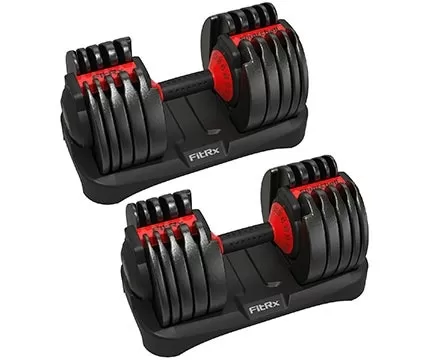 핏알엑스 덤벨 200달러, 보우플렉스의 절반 가격
Bowflex가 조절식 덤벨의 잘 알려진 브랜드인 반면, FitRX는 더 저렴한 대안을 제공합니다. 현재 FitRX 조절식 덤벨 한 쌍을 단 196달러(또는 덤벨 한 개에 98달러)에 구매할 수 있습니다. 두 배 이상 비싼 Bowflex 551 세트와 비교했을 때, 이는 상당한 절약입니다. Walmart는 무료 배송까지 제공하지만, 패키지 무게가 100파운드가 넘는다는 점은 염두에 두셔야 합니다.FitRX 조절식 덤벨 한 쌍 (각 52.5lbs
-
25 2026-03
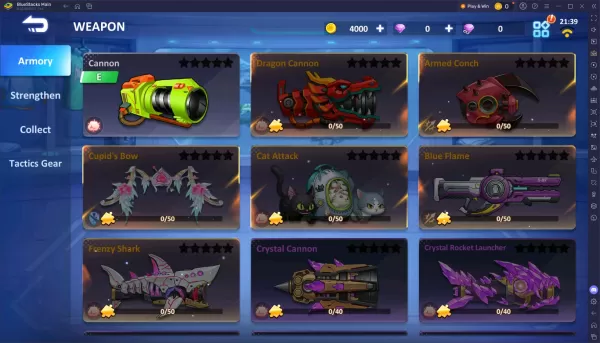 VNG 빌레틱 히어로 티어 리스트: 2025 최강 레전드 무기 10선
볼리틱 히어로 VNG에서 무기 선택은 전투의 흐름에 큰 영향을 미칩니다. 일부 무기는 즉각적이고 신뢰할 수 있는 피해를 제공하지만, 다른 무기는 정확성이나 전략적 준비가 필요합니다. 다양한 옵션이 존재하기 때문에 어떤 무기가 우선 순위를 가져야 할지 판단하는 것은 어려울 수 있습니다.이 가이드는 볼리틱 히어로 VNG의 전설 무기 — 게임 내에서 틀림없이 최상위 등급의 무기들 — 을 분석합니다. 이 특별한 무기는 낮은 등급 장비의 다섯 가지 능력
-
 다운로드Fortune Elephant
카드Android
-
다운로드

-
다운로드
![Chubby Story [v1.4.2] (Localizations)](https://images.737c.com/uploads/85/1719638042667f981a5e9f8.jpg)
-
 다운로드Top Football Manager 2024
스포츠Android
-
 다운로드숨은그림찾기 게임 - 신비의 섬
행동Android
-
다운로드