Dynasty Warriors: Origins isn't an open-world title, though it features an expansive world map. Initially, the playable area remains limited, ensuring straightforward navigation. However, as the story progresses and additional provinces unlock, traversing the map gradually becomes more time-consuming.
This challenge intensifies as new skirmishes and side quests continually appear across the map, frequently requiring players to revisit distant areas. Fortunately, mastering fast travel in Dynasty Warriors: Origins can save significant time—especially for completionists aiming to tackle all optional content.
How to Fast Travel in Dynasty Warriors: Origins
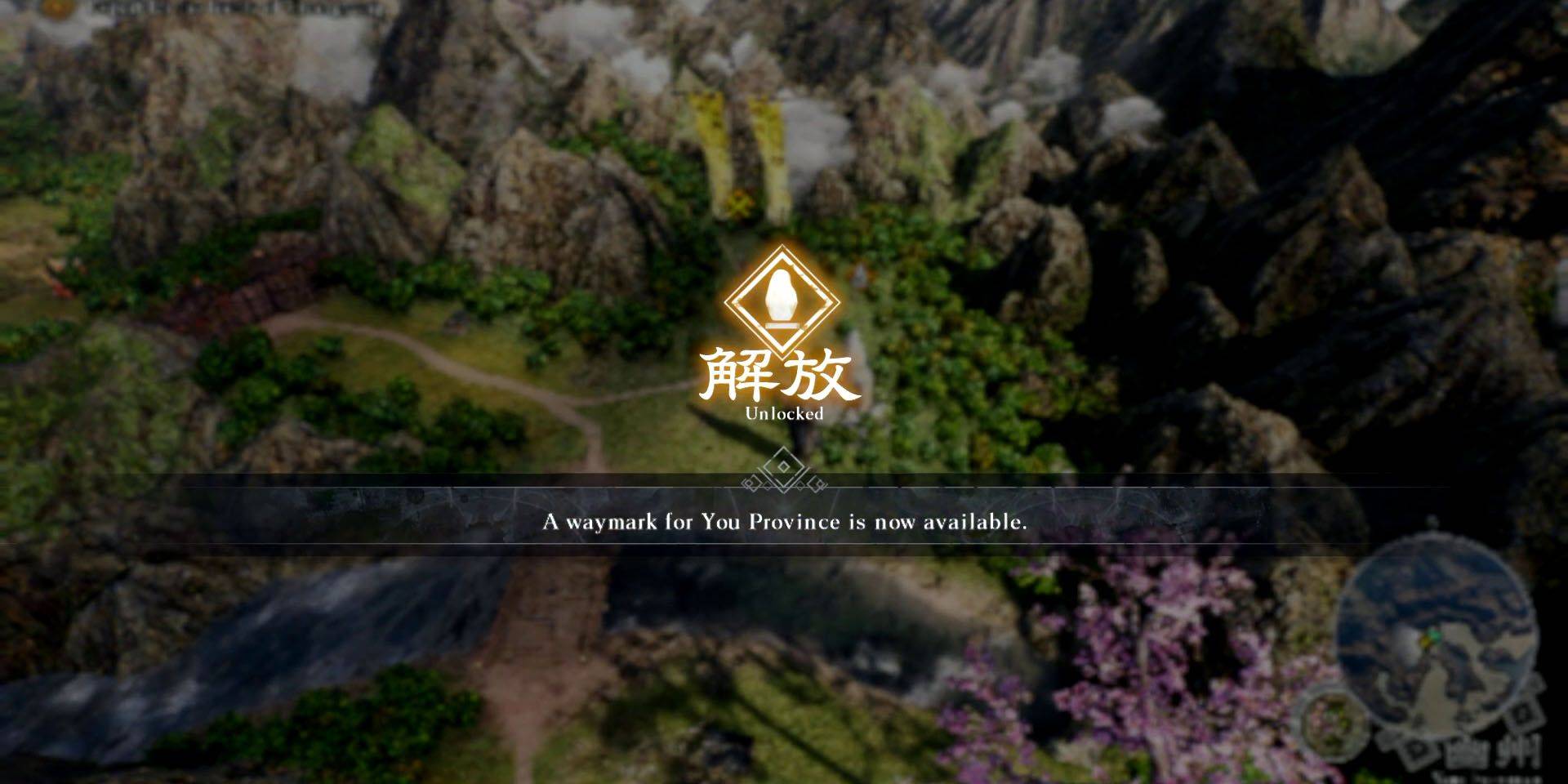
Players can fast travel between unlocked Waymarks via the Map screen. To activate a new fast travel point, approach a Waymark on the world map and hold X (PlayStation) or A (Xbox). Once registered, these Waymarks become permanent fast travel destinations.
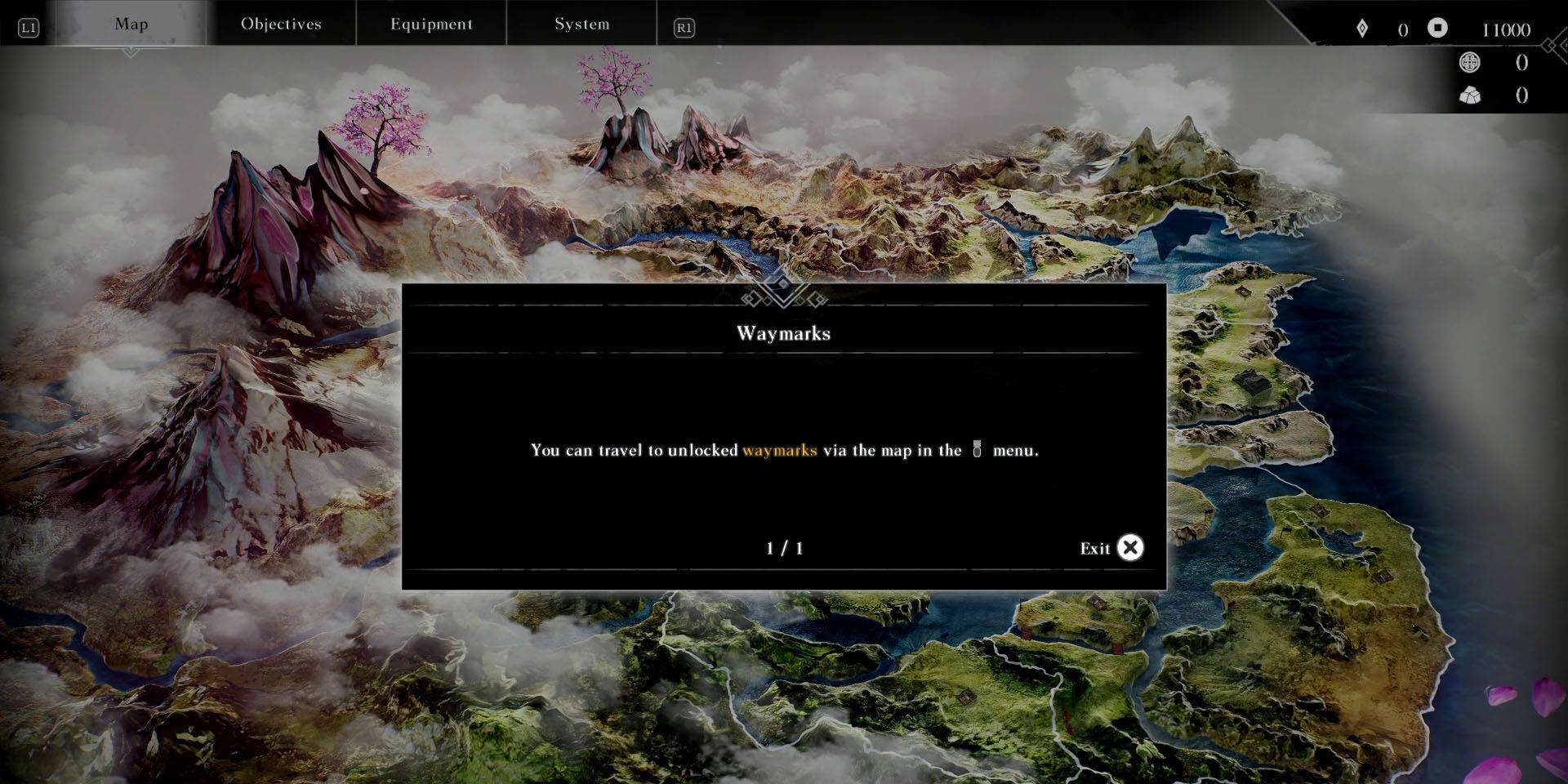
When not engaged in combat, players can open the map either by interacting with an unlocked Waymark or through the pause menu (using shoulder buttons to navigate). PlayStation users gain quicker access by pressing the DualSense touchpad while viewing the world map.
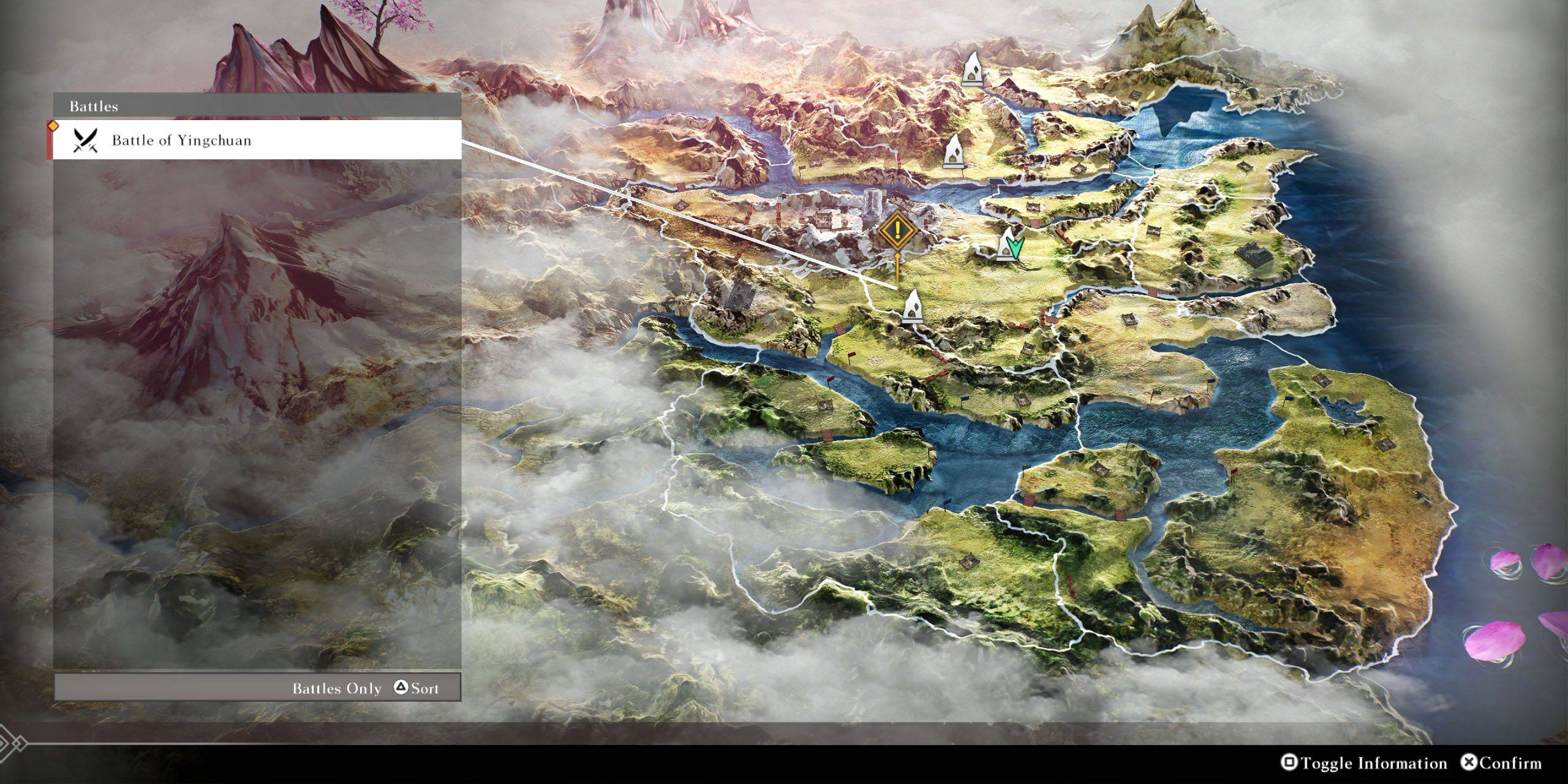
On the map interface, hovering over Waymarks displays nearby objectives and battles. To locate specific content, press Square (PlayStation) or X (Xbox) to toggle additional details. Players can then cycle through available destinations using Triangle (PlayStation) or Y (Xbox) to snap the cursor to the nearest relevant Waymark.







![Chubby Story [v1.4.2] (Localizations)](https://images.737c.com/uploads/85/1719638042667f981a5e9f8.jpg)