
It took seven long years for Construction Simulator 4 to follow the third entry in the series, but it sure was worth the wait. It takes us to a brand new location, Pinewood Bay, which takes inspiration from the gorgeous Canadian landscape.But in terms of what you really play Construction Simulator for, the fourth entry delivers in spades. It introduces over 30 new vehicles, including a brand new construction machine altogether, and a cooperative mode that allows you to team up with friends.Those vehicles are fully-licensed, featuring machinery by CASE, Liebherr, MAN, and more. In terms of that new vehicle, it’s a concrete pump, which fans of the series have been calling for for years.And the best part is, you can now check it all out for free thanks to a ‘Lite’ variant. It costs nothing to download, and you can upgrade to the full version for a mere $5 if you end up enjoying.As the headline promised, this guide is designed to help you get started with Construction Simulator 4. Read on for a few specific tips and tricks that will have you running a top-notch construction business in no time.Give Yourself an Advantage
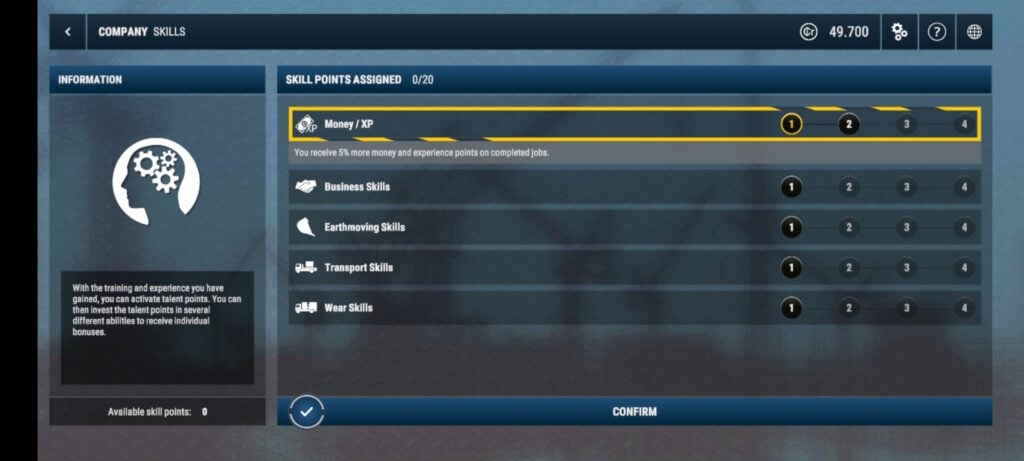
First, adjust the economic cycle. This controls the frequency of profit/loss reports, so setting it to the full 90 minutes will simplify things. It provides more time for planning and recovery from setbacks.
Also, disable traffic rules to avoid fines for reckless driving. You can further simplify this by selecting Arcade Mode, as it greatly simplifies controls.
Learn the Basics
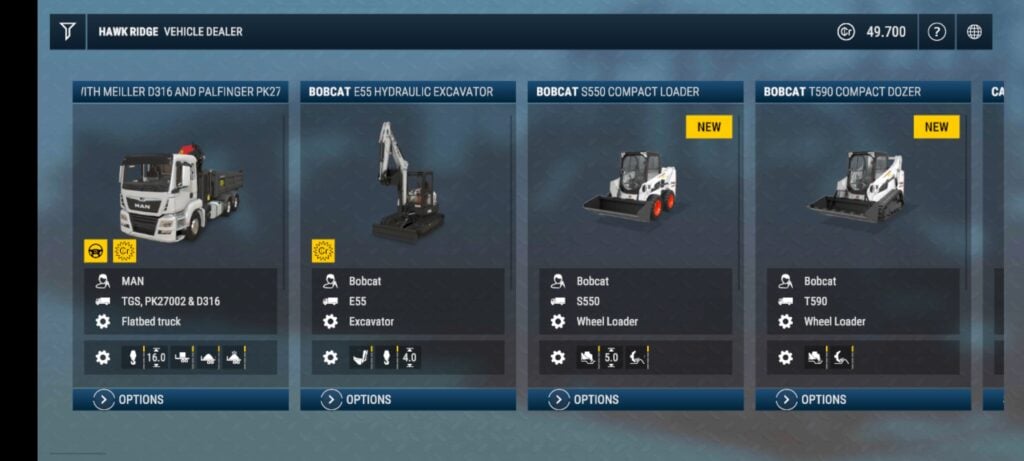
That includes how to operate all of the vehicles and use the company menu. This is where you can exchange materials, purchase entirely new construction machinery, and set waypoints.
Pick up Jobs
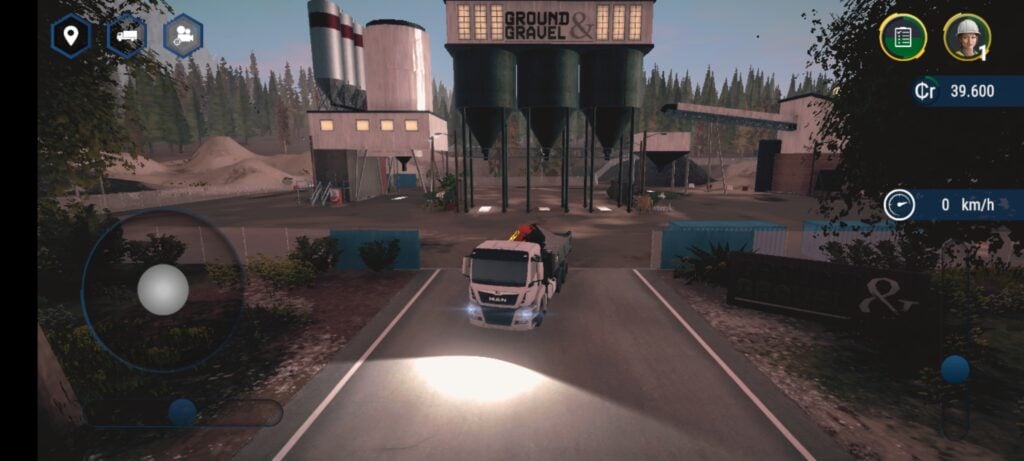
You can take on optional ‘General Contracts’ too, which provide you with additional experience and cash to help you proceed in between the more challenging campaign missions.
Rank Up
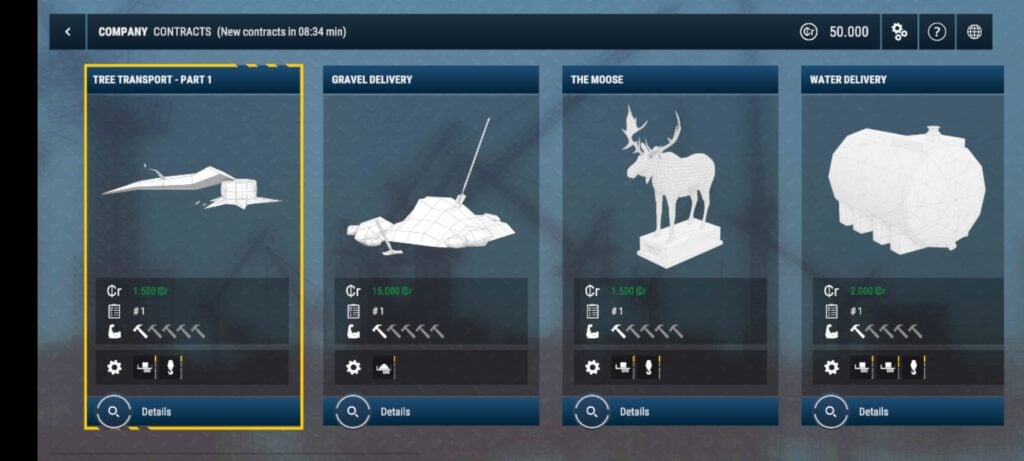
You unlock new vehicles and ranks by earning a set number of experience points, which, as we’ve just went through, you can pick up in general contracts. So that’s the game, really: complete campaign missions when you can and pick up general contracts in between.
Make sure you check out Construction Simulator® 4 Lite right now from the App Store or Google Play.




![Chubby Story [v1.4.2] (Localizations)](https://images.737c.com/uploads/85/1719638042667f981a5e9f8.jpg)