
Freedom Wars Remastered: Mastering the Art of Saving
In the fast-paced world of Freedom Wars Remastered, where battles against colossal Abductors and the ever-present threat of Panopticon time penalties are commonplace, relying solely on auto-saves is a risky strategy. This guide explains how to secure your progress and avoid losing hard-earned achievements.
The game's intense action makes frequent saving a must. Whether preparing for a challenging mission or simply pausing for a break, understanding the save mechanics is crucial.
Saving Your Progress
The initial tutorial introduces basic gameplay, but the sheer volume of information can be overwhelming. You'll periodically notice a small save icon on-screen. The game utilizes an auto-save system, automatically saving after missions, key dialogues, and cutscenes. However, auto-saves aren't foolproof, highlighting the importance of manual saves.
Freedom Wars Remastered offers a manual save feature, but it's limited to a single save file. This means you can't revert to previous story points using separate save slots. To manually save, interact with your Accessory in your Panopticon Cell and select "Save Data" (the second option). Your Accessory will confirm, and your progress will be saved.
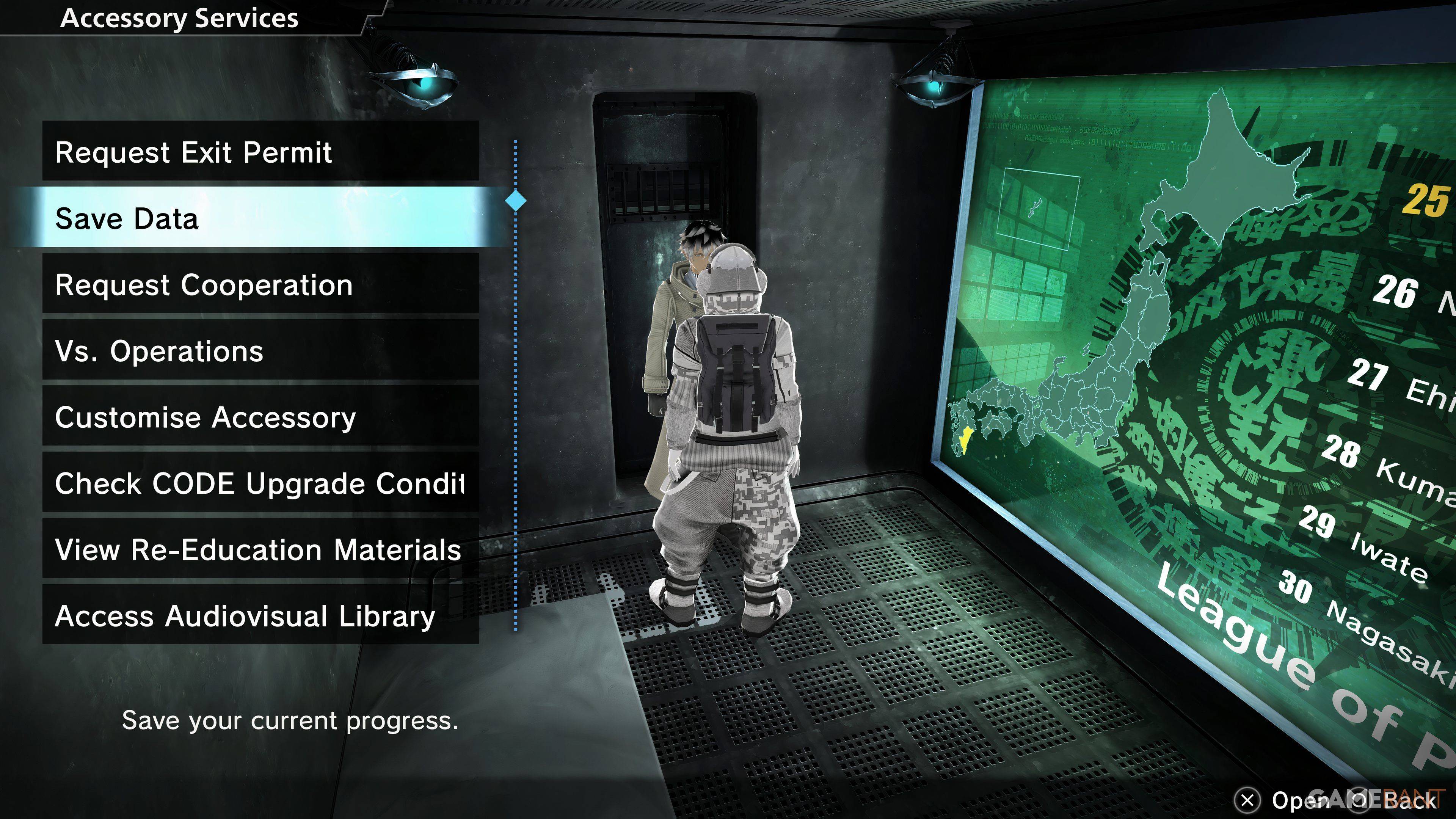
This single save file constraint makes critical decisions irreversible. For PlayStation players with PlayStation Plus, cloud saves offer a valuable workaround, allowing you to upload and download your save data to experiment with different choices or create a backup.
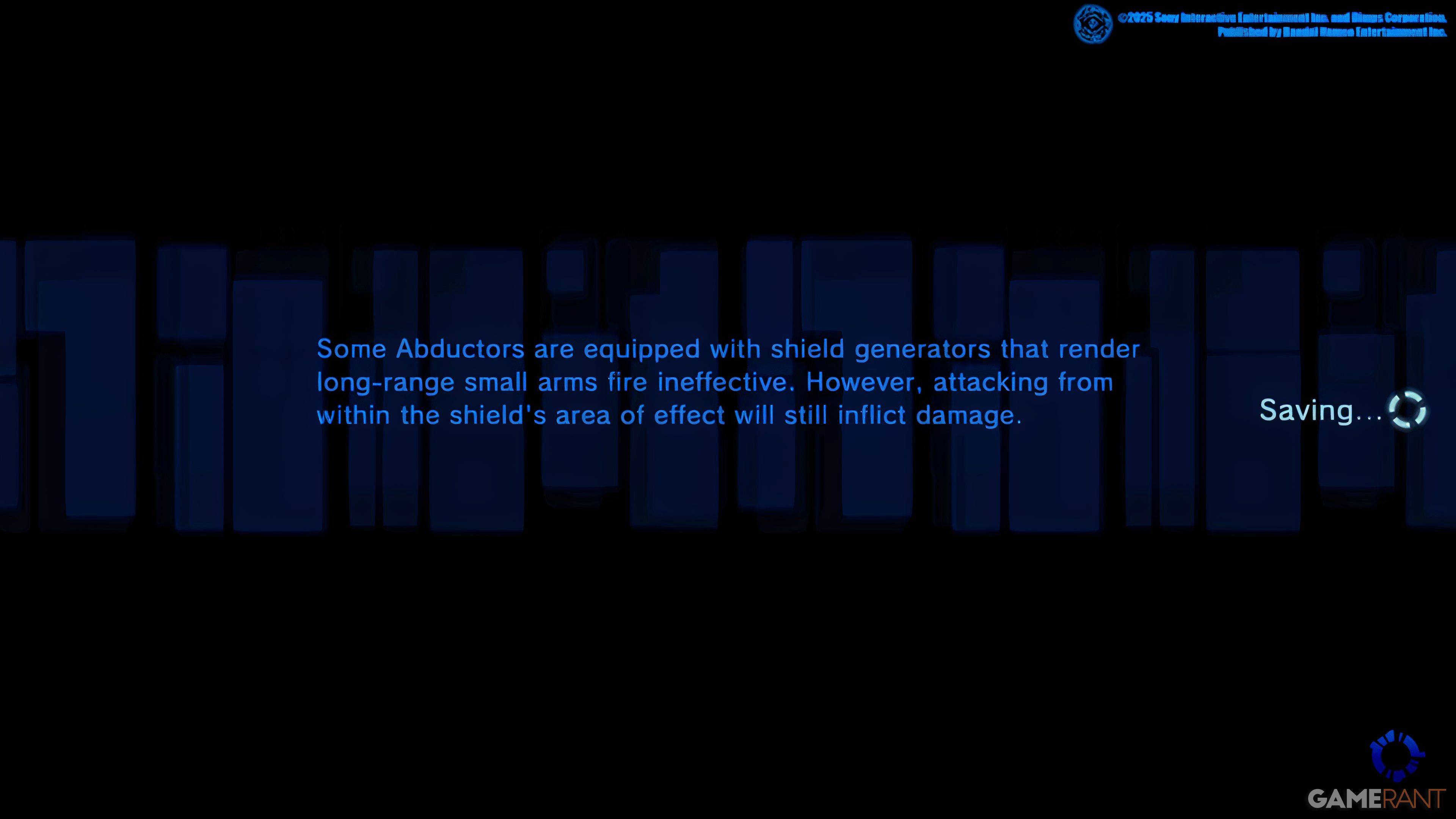
Given the possibility of game crashes, frequent manual saving is strongly recommended to prevent the loss of progress. Prioritize saving after completing significant missions or making crucial decisions.




![Chubby Story [v1.4.2] (Localizations)](https://images.737c.com/uploads/85/1719638042667f981a5e9f8.jpg)